
I decided last week that it was time to create a dedicated page that would hold the most up to date version and not to have them spread out all across my blog.
Therefore from now all the old versions will now redirect to this page.
Why "The Unofficial VMware Visio Stencils"?
That is because they are not prepared by VMware, but by me. On each occasion I have taken the icons and diagrams that VMware release every now and again and turn them into something that a large number of people have asked for, but VMware have yet to be able to supply, a re-usable Visio stencil that can be used in diagrams.
First the legal part:
This document was created using the official VMware icon and diagram library. Copyright © 2012 VMware, Inc. All rights reserved. This product is protected by U.S. and international copyright and intellectual property laws. VMware products are covered by one or more patents listed at http://www.vmware.com/go/patents.
VMware does not endorse or make any representations about third party information included in this document, nor does the inclusion of any VMware icon or diagram in this document imply such an endorsement.
Today (April 8th, 2013) I am also releasing the final and last part of the v3 version of the Stencils.
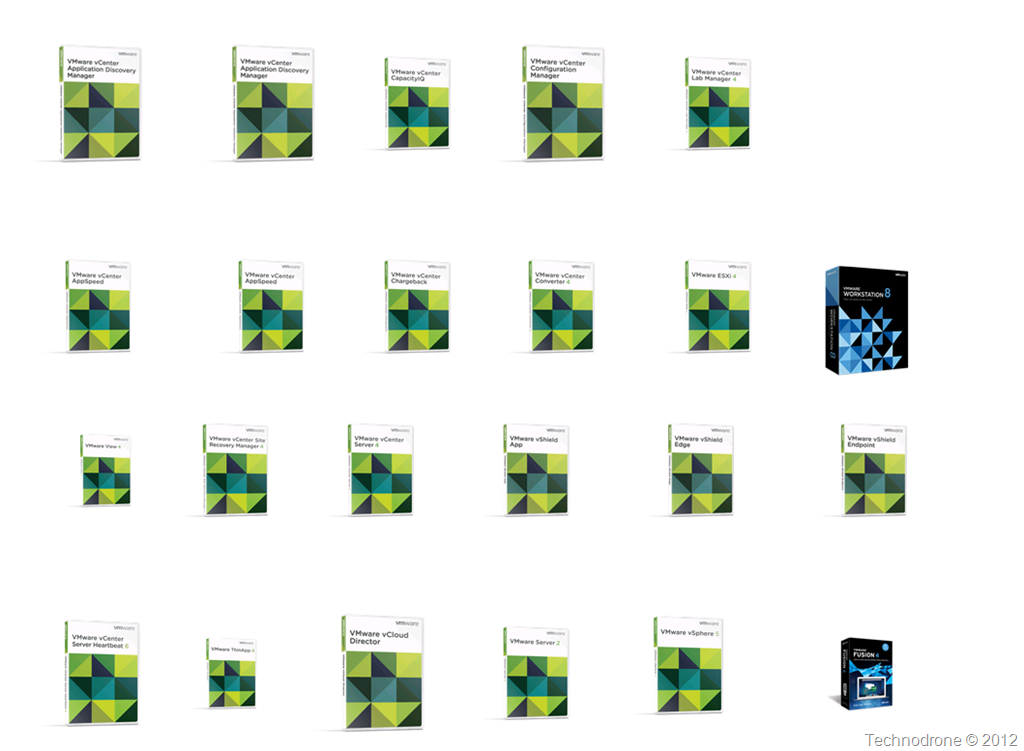
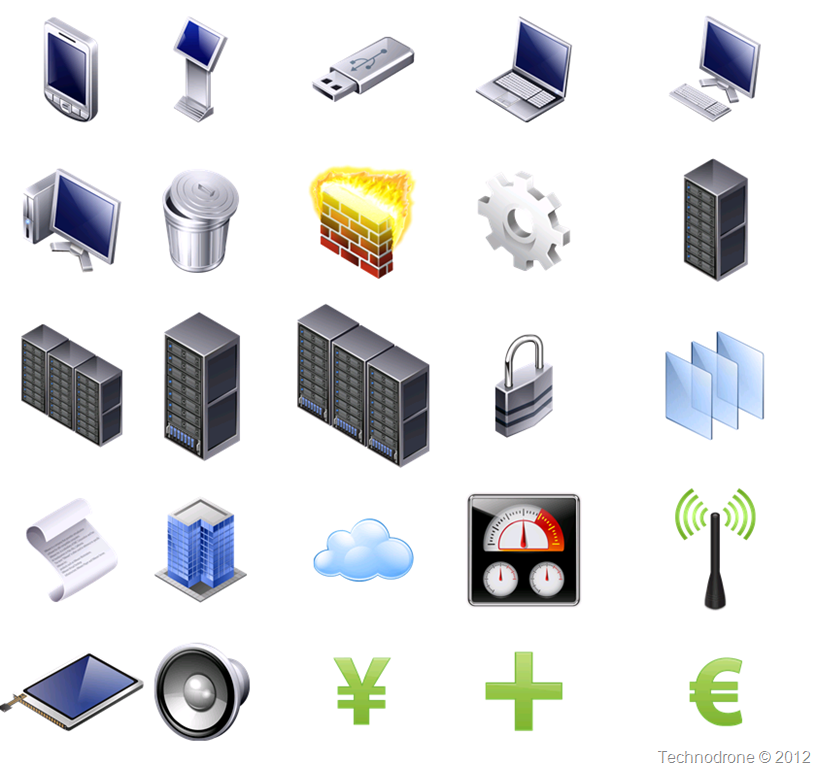
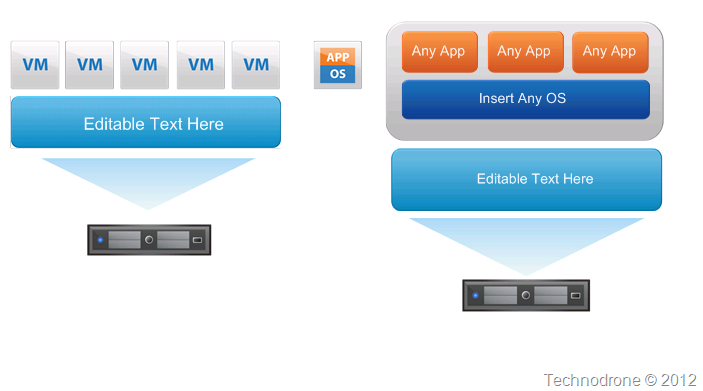
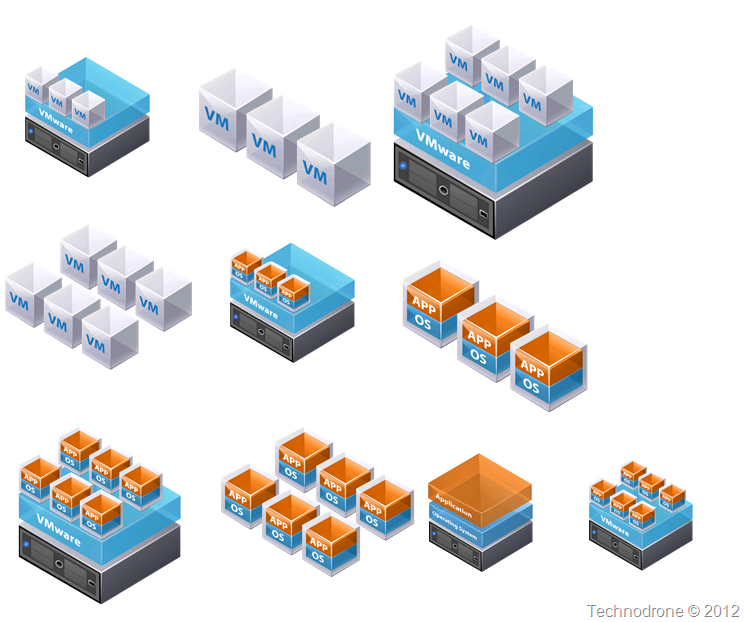
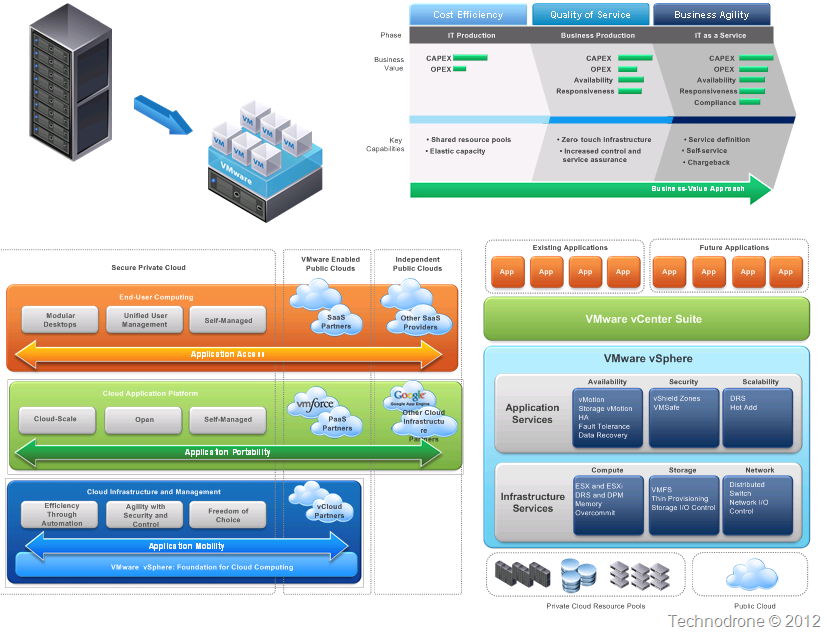
To make it more user friendly and easier to find what you would like, you can find below a graphical inventory of what is in each of the parts of this version (v3).
Part 1
Box Shots
Icons

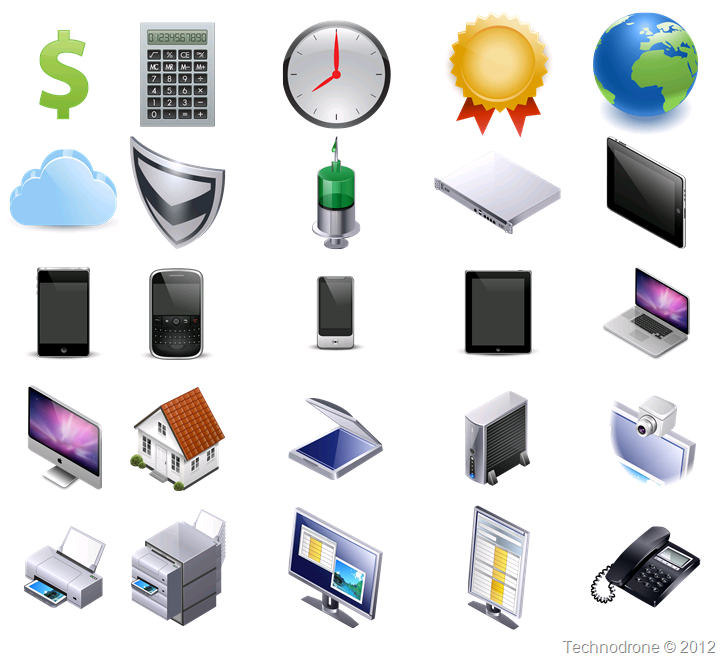
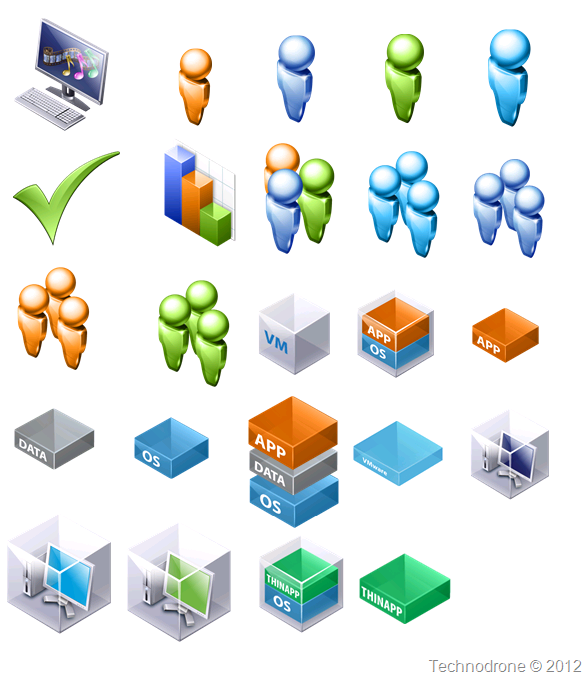
2D Icons
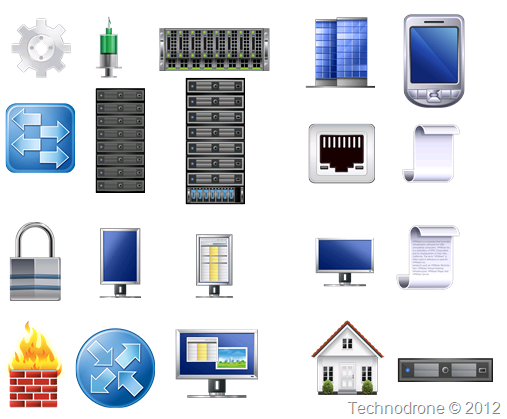
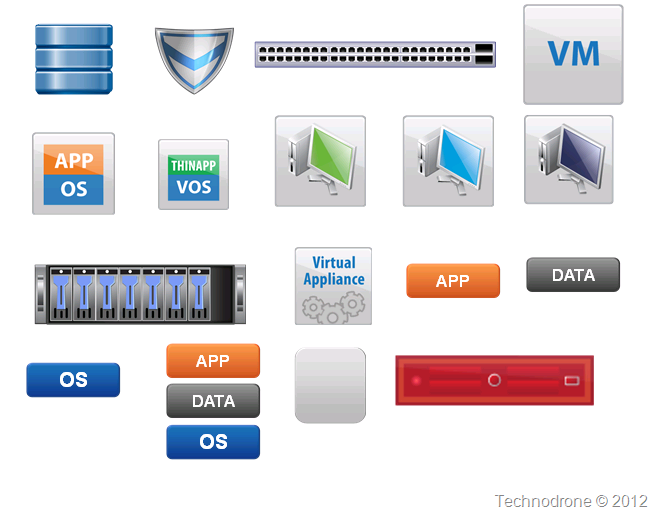
Shapes and Assets
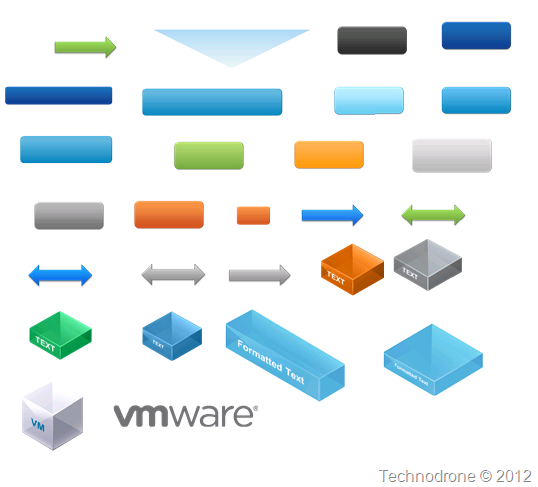
Build your Own
Part 2
VMware Concepts
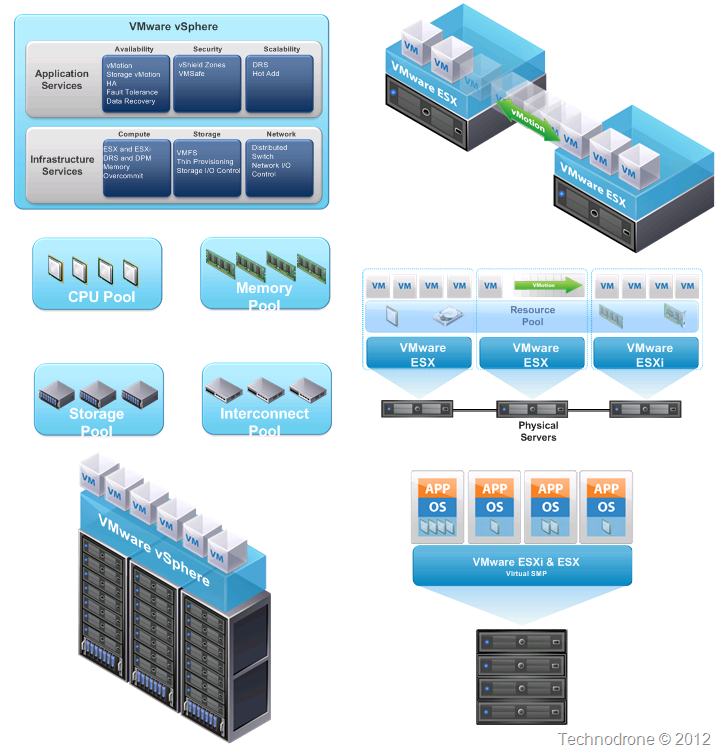

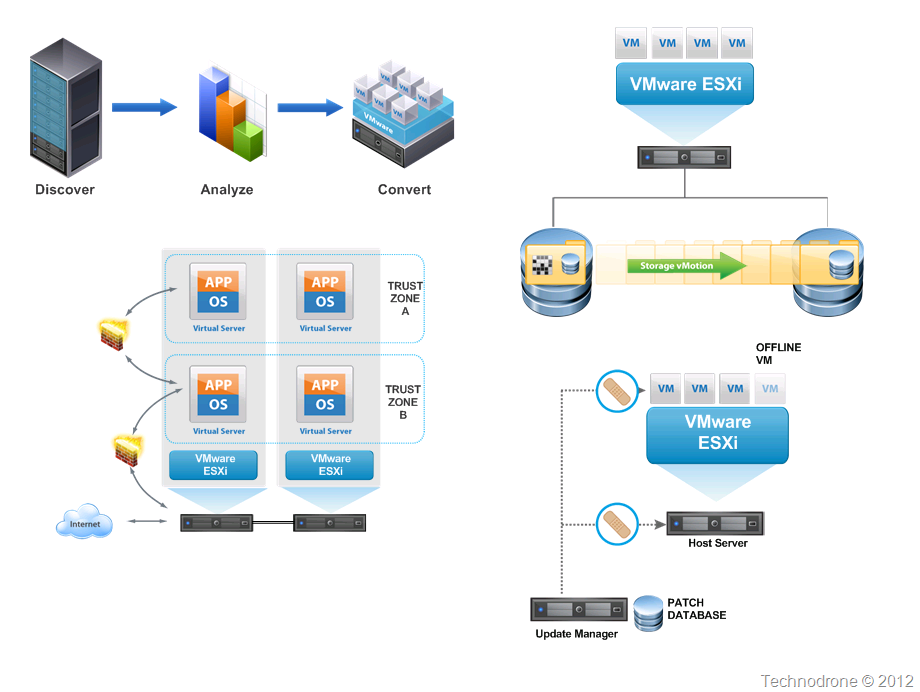
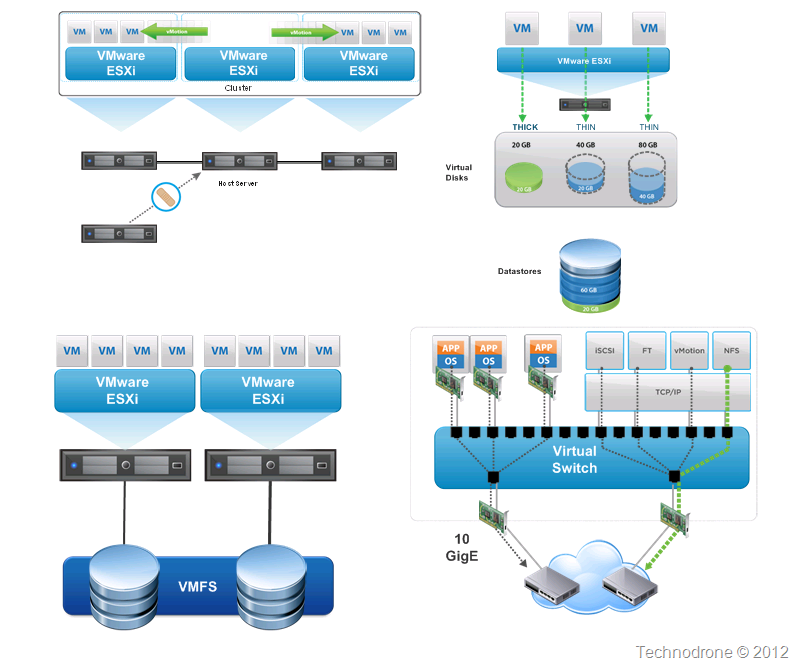
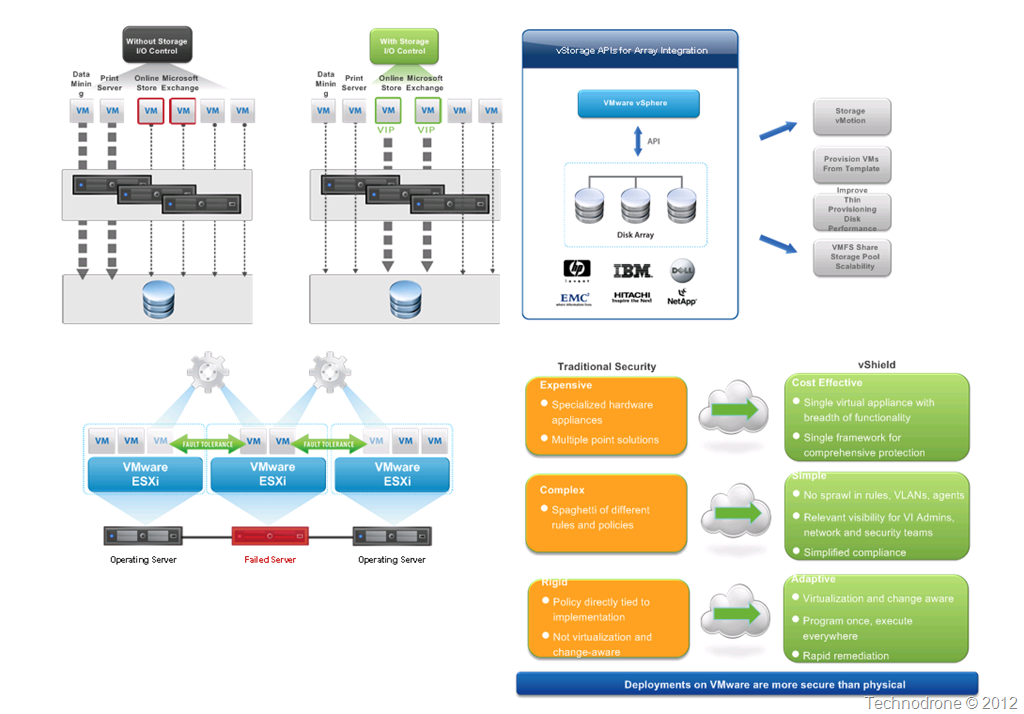
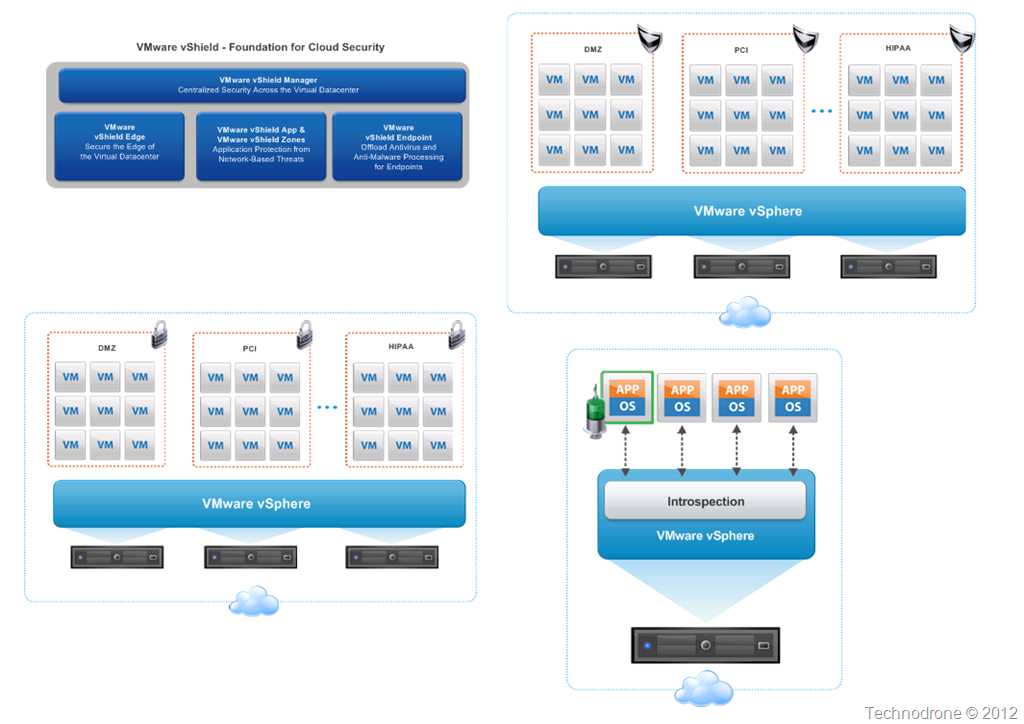
Additional Icons
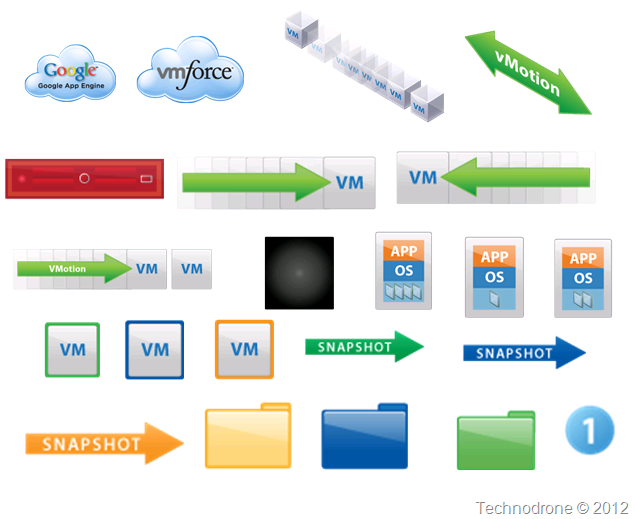

Part 3
Product Groupings
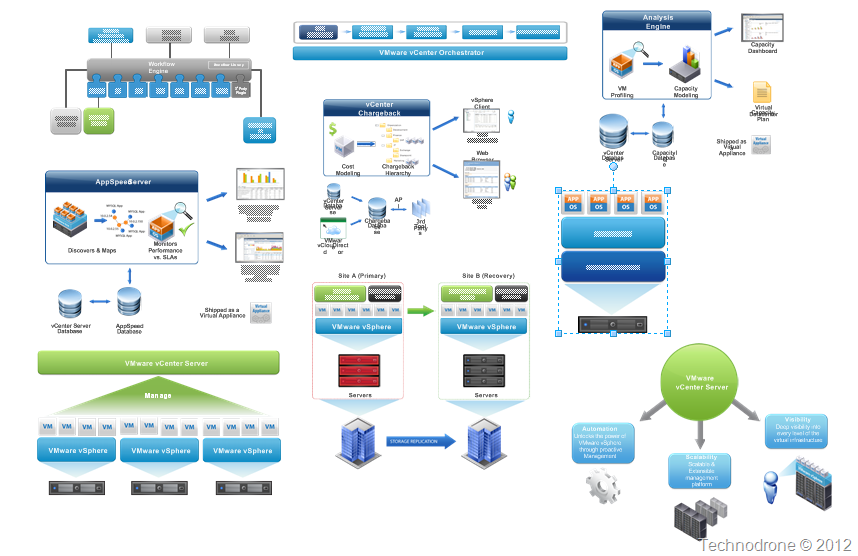
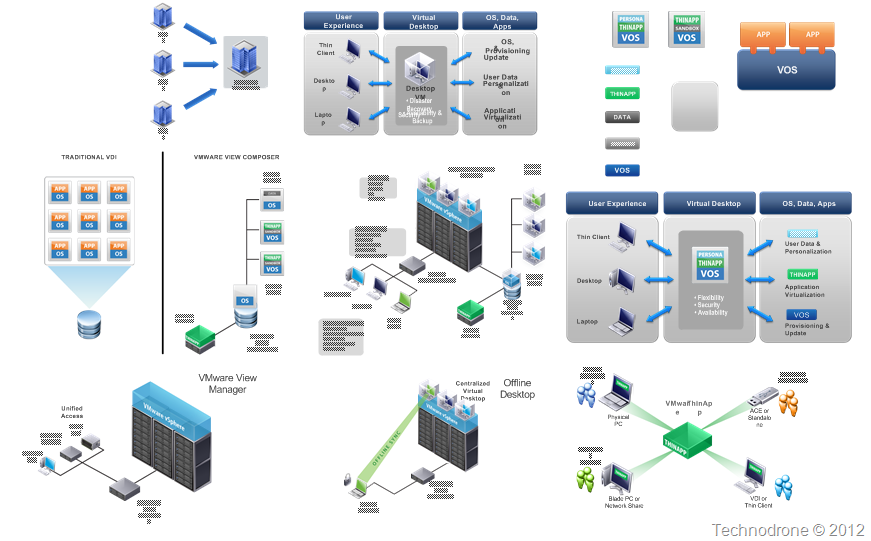
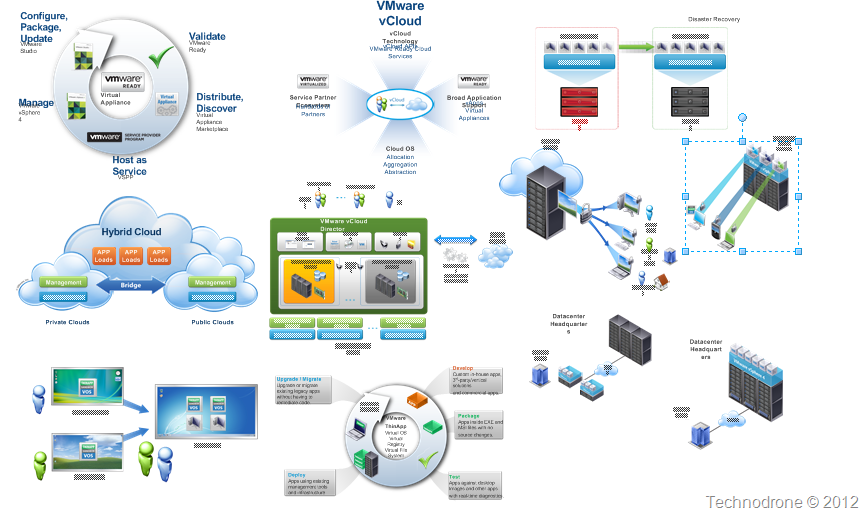
Part 3 includes the following products:
- Orchestrator (x2)
- CapacityIQ
- Chargeback
- Appspeed
- Site Recovery Manager (x3)
- Studio
- vCloud Director
- VMware Server
- View (x6)
- ThinApp (x2)
- vCloud Director (x2)
Today August 24th, 2014 the first day of VMworld US, I am releasing the 4th part of the stencils.
Part 4
Icons
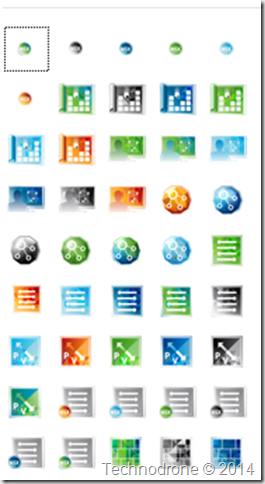
![image_thumb3[1]](https://maishsk.com/blog/images/The-Unofficial-VMware-Visio-Stencils_5D9E/image_thumb31.png "image_thumb3[1]")
Each of the shapes above are laid out (as much as possible) in such a way to allow you to move the components within your Visio drawing, to suit your needs.
So where are the actual stencils already???
Here you can find all the Downloads (including the historical versions)
| Version | |||||
| v4 (2014) | (Full Package) | Part 1 | Part 2 | Part 3 | Part 4 |
| v3 (2012) | (Full package) | Part 1 | Part 2 | Part 3 | |
| v2 (2010) | (Full package) | Part 1 | Part 2 | Part 3 | |
| v1 (2009) | (Full package) | Part 1 | Part 2 |
I hope this continues to be a valuable resource for you all!