
What??
Where are you going???
Is everything OK????
You are stopping to write blog posts?????
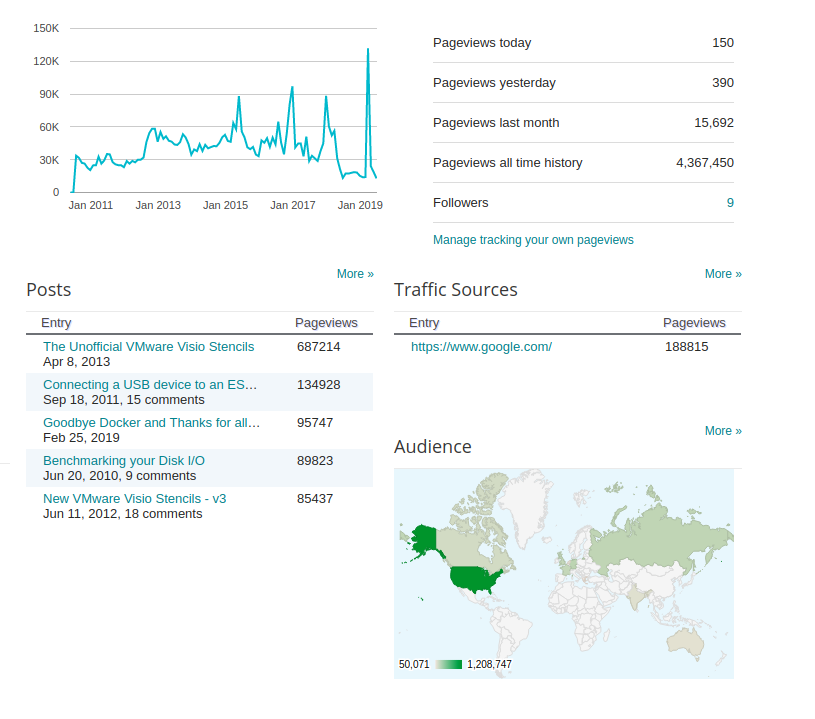
My first blog post brings back memories. When I decided to start this blog way, way back in November 2007, I decided to go for a free platform, because it suited my needs at the time, and honestly it has served me really well over the last 12 years.
But it is time for a change.
I have evolved over the last 12 years. The way I work, has evolved over the last 12 years, and this platform is no longer in line with my daily routines and practices.
Which is why I have decided to move to a new blog, a new domain, and a new beginning.
Q: Are you closing access to this site?
A: No all content will be remain here - although I have set up redirects for all the posts that will now point to the new blog.
Q: You have Visio Stencils on your site - can I still get them?
A: Yes, the old links still are there - and the posts are now redirected to the new site..
Q: Will the URL and rss feed stay the same?
A: Nope, new domain, new urls, new feed.
Q: Are you still using the blogger platform??
A: You weren't paying attention were you... I am moving off of blogger. The site is going to be hosted as a static site on AWS S3, powered by Hugo - more on how the sausage is made in the future..
Q: Will this site design stay the same?
A: No - I am going to change the design to something much more simple and minimal, the info is outdated and needs to be changed to reflect the times.
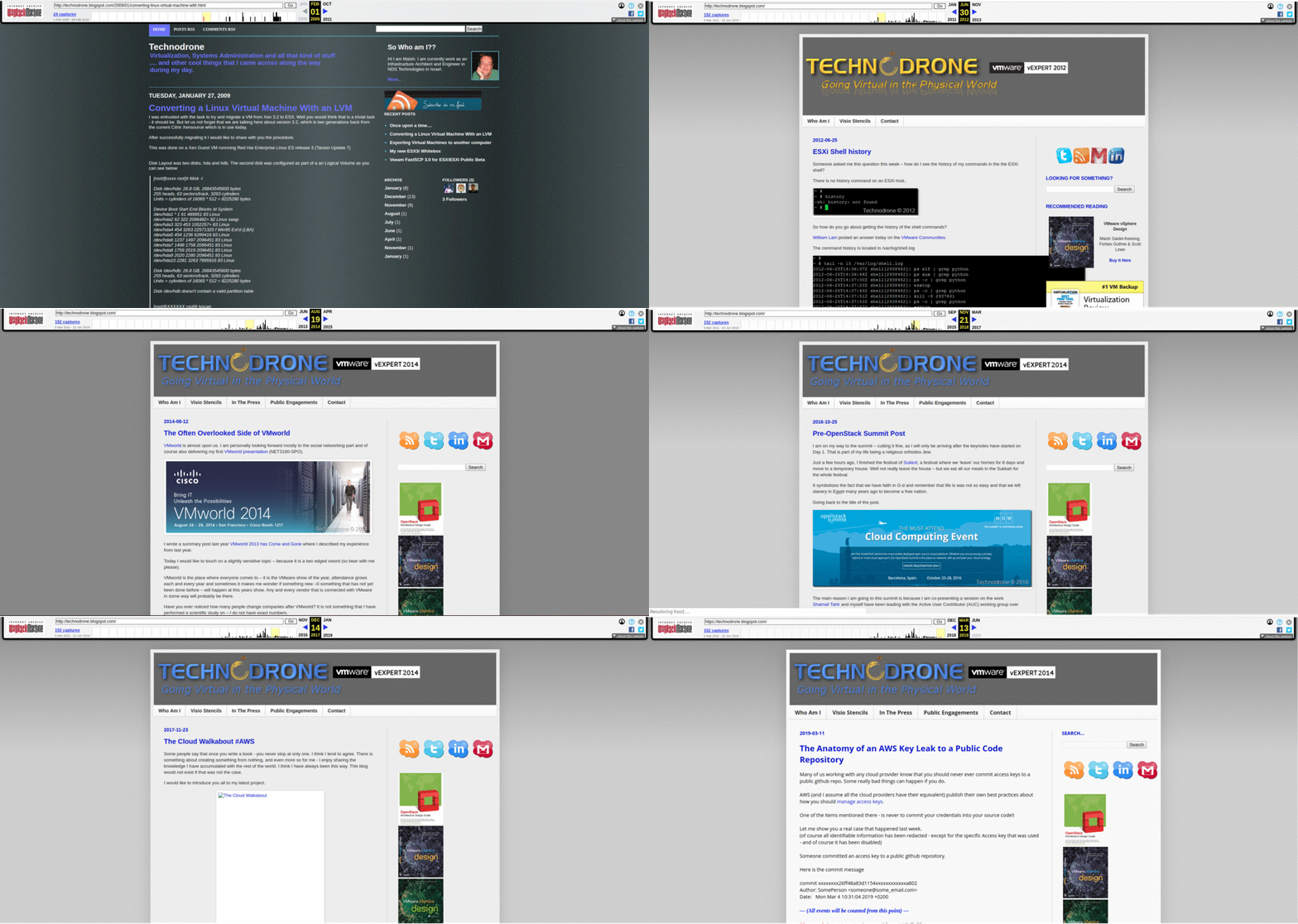
Here is a small time lapse of the site over the years.
Thanks Google for the hospitality over the years, I am extremely grateful, you have served me well.
Start your engines and add this to your bookmarks.... Welcome to Blog 2.0